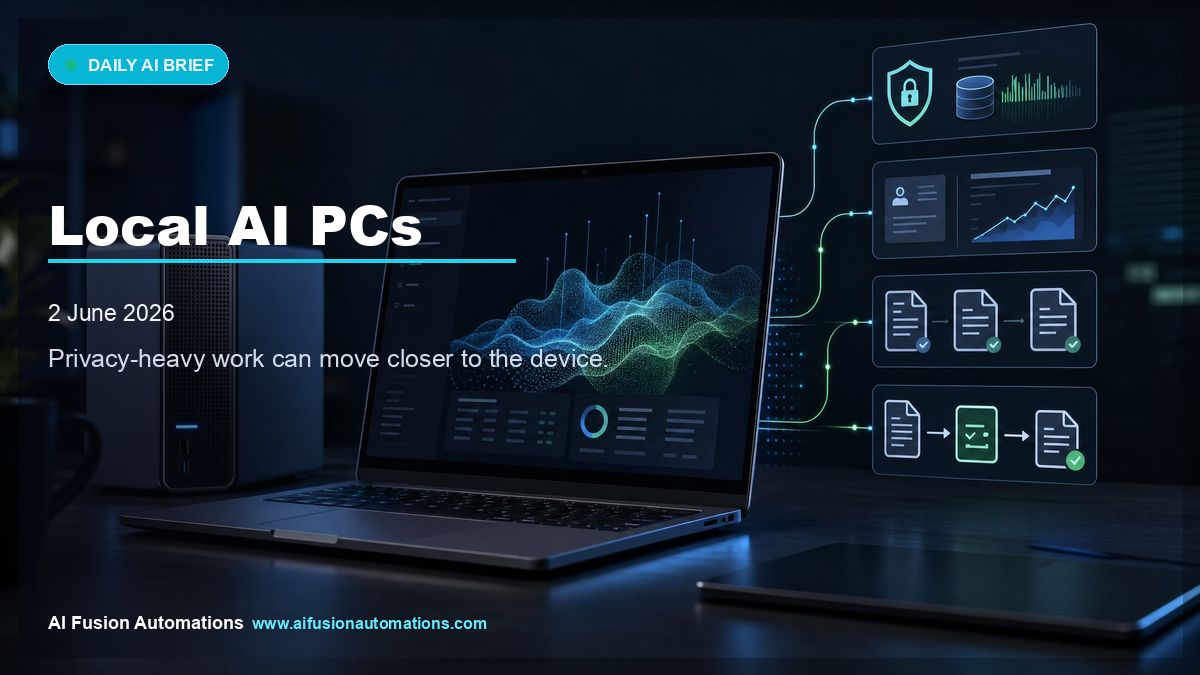
The short version: Local AI PCs matter because some business work should stay close to the device: customer records, quotes, internal documents, job notes, and operational knowledge.
The AI conversation has mostly focused on cloud tools. A user types into a web app, the request leaves the business, and the response comes back. That model is useful, but it is not always ideal for small businesses handling customer details, job history, quotes, technical notes, or private operational documents.
NVIDIA and Microsoft are pointing toward a future where more AI capability can run locally on Windows machines. That does not mean every small business needs to rush out and buy new hardware. It does mean local AI should become part of the decision when a workflow involves private or sensitive information.
Why local AI is different
Local AI changes the risk profile. Instead of every task depending on a remote service, some analysis, drafting, summarising, and automation can happen on a machine the business controls. That may matter for trades, professional services, clinics, finance teams, legal-adjacent workflows, and any business handling customer-specific records.
The practical use case is not "replace the office." It is targeted assistance: summarising job notes, comparing quote details, preparing draft emails, searching internal documents, and helping staff work faster without exposing more data than necessary.
Where small businesses should look first
- Customer records that should not be casually pasted into public AI tools.
- Quoting data, pricing rules, site notes, and internal templates.
- Private documents that need summarising or searching.
- CRM notes and follow-up context that staff need quickly.
- Business knowledge that should become searchable without being published into the open web.
The mistake to avoid
The mistake is assuming local AI automatically makes a workflow safe. A local model still needs rules, access control, and a clear task. If the wrong documents are connected, or if output is sent to customers without review, the risk has only moved location.
The right starting point is the workflow: what data is involved, who is allowed to use it, what AI is allowed to do, and where a human approves the result.
Operator move for this week
List three workflows where staff handle private customer or job data. Mark which ones currently use cloud AI, which ones should stay local where possible, and which ones need a human approval gate before any customer-facing message is sent.
Bottom line
Local AI PCs are not just a hardware story. They are part of a larger move toward AI becoming business infrastructure. For small businesses, the useful question is not whether the device sounds impressive. It is whether local AI can make a sensitive workflow faster while keeping data control tighter.